




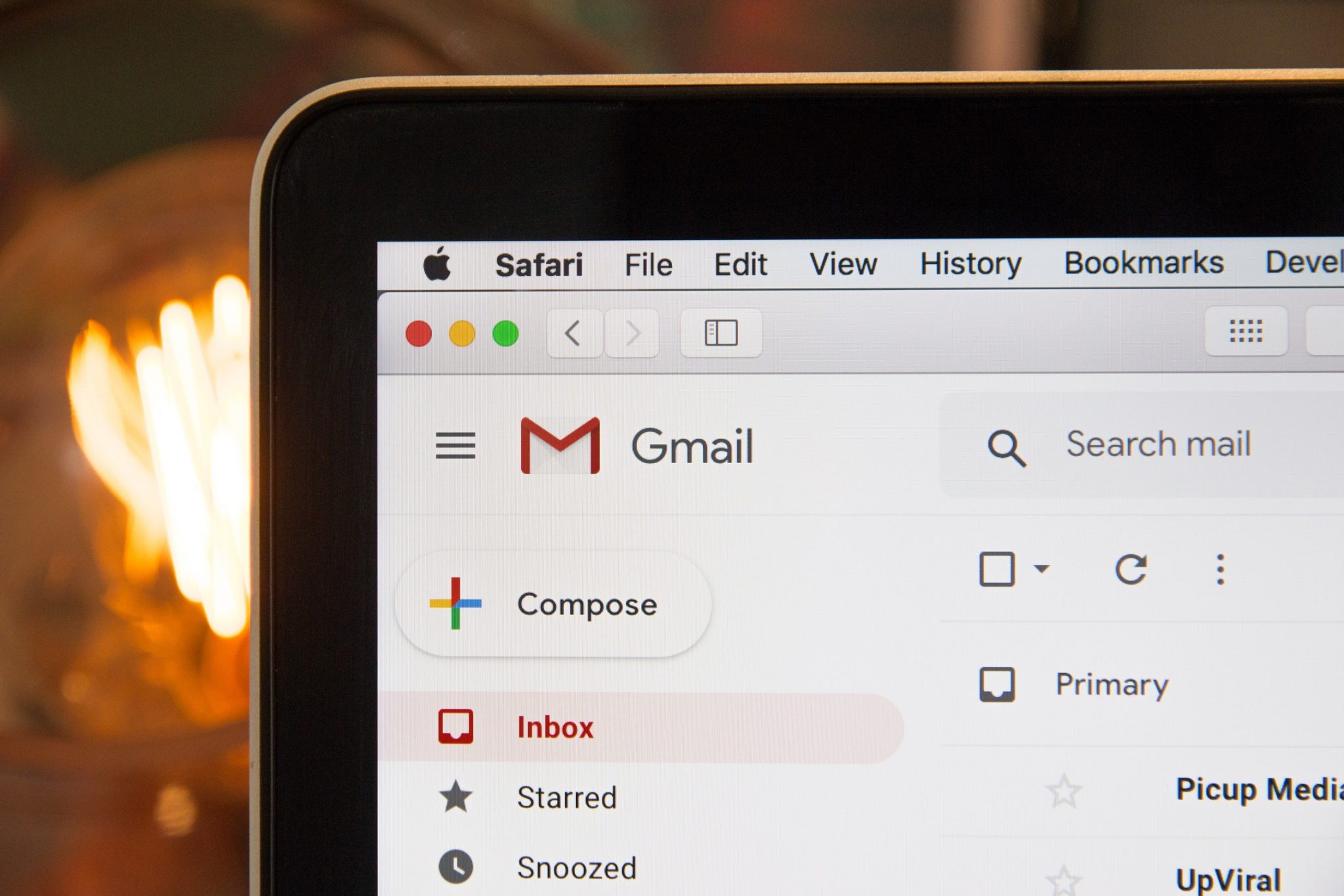
The rapid advancement of technology has given rise to new fraud schemes, one of which is phishing emails. Email has long been a modern communication tool used to deliver messages and documents. It is commonly used for more official purposes, ranging from formal to semi formal communication, including promotional materials and other announcements.
As a tech savvy generation, Neotizens are naturally familiar with email. Even though many chat applications now offer more practical and real time communication, email remains irreplaceable for many purposes.
However, alongside its convenience, email also opens opportunities for fraudsters to carry out scams. Various deceptive tactics are used to gain unlawful benefits. That is why Neotizens need to recognize what phishing emails look like to avoid falling into a fraudster’s trap. Let’s break it down below.
What Is a Phishing Email?
A phishing email is an attempt to deceive individuals or organizations through email in order to obtain important, confidential, and sensitive information. This action falls under cybercrime and is carried out by fraudsters impersonating certain parties or official institutions.
The term phishing comes from the word fishing, which means “to fish.” In this context, it refers to a fraudster’s attempt to lure victims into complying with their requests. Fraudsters commonly rely on social engineering techniques to manipulate victims into voluntarily sharing personal data.
In practice, fraudsters often pretend to be official institutions by sending fake emails and creating websites that closely resemble legitimate ones. Phishing websites are usually easier to detect because their URLs differ from the official sites.
Phishing emails, however, are more difficult to identify. Fraudsters use spoofing techniques to make sender names and email addresses appear almost identical to legitimate ones. They also tend to use multiple domain names to smoothen their operations.
Characteristics of Phishing Emails
Before getting caught by a fraudster’s bait, Neotizens can avoid phishing emails by paying attention to the following signs:
-
Poor or inconsistent language
One common sign is sloppy grammar or awkward writing style. This happens because the sender may not fully understand proper language rules. Over time, however, fraudsters have become more sophisticated. Many now copy text from legitimate emails and modify it slightly. Some even use polite and professional language, so this sign alone should not be your only reference. -
Suspicious links
Phishing emails almost always include suspicious links. These links typically lead to fake landing pages or websites designed to trap victims. Neotizens should learn to recognize fake links embedded in emails to avoid clicking them. -
Unprofessional email domains
Bank Neo Commerce uses a dedicated domain as part of its official identity. For example, the official customer service email address is customercare@bankneo.co.id.
Official institutions always use professional domains such as @bankneo.co.id. Fraudsters, on the other hand, usually rely on free email domains that do not reflect a legitimate institution. - Fake websites that resemble real ones
Websites and emails often work together in phishing schemes. These fake websites are where victims are tricked into entering sensitive information.
The sites are designed to closely resemble the real ones, including logos and color schemes. This is why Neotizens should always cross check the website, link, and sender identity.
Types of Phishing Emails
Fraudsters send phishing emails in different forms. Here are three common types Neotizens should be aware of:
-
Spear Phishing
Spear phishing is like a fisherman casting a hook randomly but targeting a specific type of fish. In cybercrime terms, the email appears to come from a valid address and targets a specific individual.
Fraudsters gather victim details from social media or through man in the middle techniques. They then send fake emails impersonating clients, colleagues, or even relatives, requesting confidential or sensitive information. -
Clone Phishing
This type involves duplicating a legitimate email that has already been sent. Fraudsters replace the original link or attachment with malware, then falsify the sender address to make it appear authentic.
They may send multiple emails claiming there was a resend due to network issues. Clone phishing is particularly dangerous because victims find it very difficult to recognize the fake email. -
Whaling
As the name suggests, whaling targets high level individuals within an organization. The goal is to extract critical information or gain access to institutional systems for criminal purposes.
The message often involves legal threats or issues related to the organization’s reputation. Whaling commonly uses spoofing techniques so the victim immediately trusts the email and follows the instructions.
Tips to Avoid Phishing Emails
To avoid becoming a victim, Neotizens can take the following preventive steps:
-
Verify the sender’s authenticity
Check the sender’s name and email address. If spoofing makes the identity look legitimate, examine the email body, especially the header and footer, depending on the email client you use. -
Never share personal data
Be cautious when sharing personal information anywhere, including on social media and websites. Fraudsters can use this information to carry out attacks, especially spear phishing. -
Be careful about exposing your email address
Keep your email address private so it is not easily found by phishing fraudsters. Avoid displaying it publicly on social media. -
Scan with antivirus software
Phishing emails may contain attachments with malware. Even without downloading the file, malware can sometimes be automatically installed. Use up to date antivirus software to detect and remove threats immediately. -
Do not click links in emails
Always check and confirm that a link is safe before clicking. Do not be tempted by attractive or urgent messages. Only click links from trusted emails or newsletters you have subscribed to. -
Use a trusted email service
Choose reputable email providers with built in anti spam features. These features can automatically block phishing emails, saving you from filtering and deleting them one by one.
If Neotizens receive an email claiming to be from Bank Neo Commerce, do not click any links and do not open any attachments.
Always remember, official information only comes from official bank channels.
Immediately contact Bank Neo Commerce via the official hotline at 1500 190 or email customercare@bankneo.co.id. Ensure that all information sources come only from the official Bank Neo Commerce channels below:
Email: customercare@bankneo.co.id
Phone: 1500 190
Facebook: https://www.facebook.com/bankneocommerce
Instagram: https://www.instagram.com/bankneocommerce/
Twitter: https://twitter.com/bankneocommerce
YouTube: https://www.youtube.com/channel/UCg299vJCx1tqEv4vMoMIv3g
LinkedIn: https://www.linkedin.com/company/pt-bank-neo-commerce-tbk
TikTok: https://www.tiktok.com/@bankneocommerce
Visit the official website of Bank Neo Commerce for complete information about neobank and Bank Neo Commerce.
***
PT Bank Neo Commerce Tbk is licensed and supervised by the Indonesia Financial Service Authority (OJK) and Bank Indonesia (BI), and an insured member of Deposit Insurance Corporation (LPS).



What are you waiting for?
Let's try neobank now!
.png)
.png)

PT Bank Neo Commerce Tbk is licensed and supervised by the Financial Services Authority (OJK) & Bank Indonesia (BI) and is a member of Indonesia Deposit Insurance Corporation (LPS).
The maximum deposit amount insured by LPS per customer per bank is Rp2 billion. To find out the LPS Guaranteed Interest Rate, please access here.
Copyright © 2023, All Rights Reserved, PT. Bank Neo Commerce Tbk


PT Bank Neo Commerce Tbk is licensed and supervised by the Financial Services Authority (OJK) & Bank Indonesia (BI) and is a member of Indonesia Deposit Insurance Corporation (LPS).
The maximum deposit amount insured by LPS per customer per bank is Rp2 billion. To find out the LPS Guaranteed Interest Rate, please access here.


Copyright © 2023, All Rights Reserved, PT. Bank Neo Commerce Tbk